

Google’s AI Travel Assistant: How Will “AI Mode” Change Your Next Trip?
August 31, 2026
Visa Enters Syria: First Successful Payment in Damascus
August 31, 2026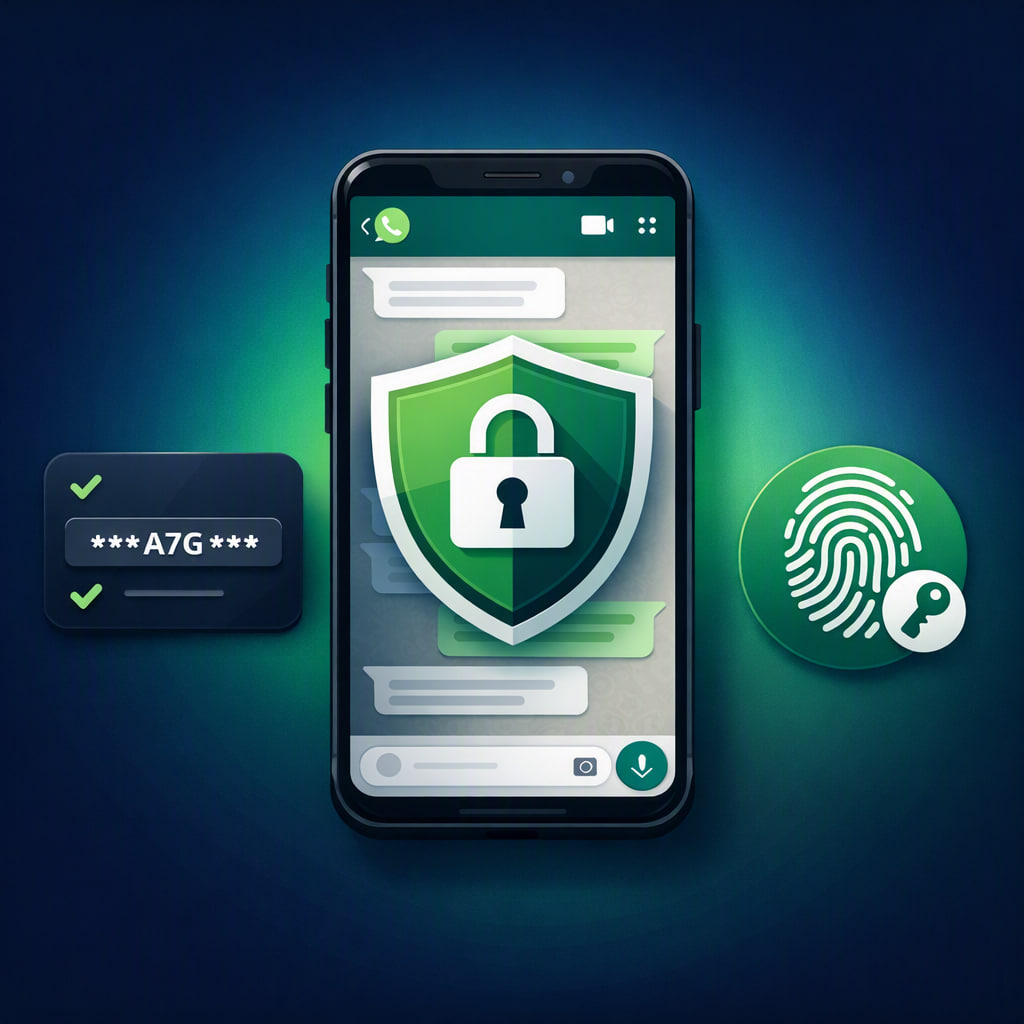
In reality, the daily reliance on instant messaging apps for both professional and personal communication has reached unprecedented levels. As a result, securing these accounts has become a top priority that cannot be overlooked. Furthermore, Meta has recently unveiled significant WhatsApp new security features aimed at providing users with advanced layers of protection. In addition to this, these updates are designed to mitigate fraud attempts, thereby reshaping the login experience to be both more flexible and secure.
With this in mind, we at Adnova.art strive to keep our digital community informed about the latest technological innovations; therefore, we are presenting a detailed breakdown of these updates and how you can best utilize them.
1. Moving Beyond PINs: Stronger Alphanumeric Passwords
On the other hand, since 2017, WhatsApp has relied on a six-digit PIN for its two-step verification process. Although this option was effective in the past, however, the evolution of social engineering tactics has pushed developers to strengthen security protocols.
Currently, as part of the WhatsApp new security features, users can now opt for a complex alphanumeric password. Specifically, this new method moves beyond simple numerical limits, while adhering to the following requirements:
- Firstly, the password must be at least 8 characters long.
- Secondly, it must include a combination of letters and numbers.
- Additionally, you can incorporate special symbols to make it even harder to guess.
Security Tip from the Adnova Team: Even though upgrading your password remains optional, we strongly recommend making the switch immediately. Abandoning simple codes (like 123456) is essential to safeguarding your private data.
2. Expanded Support for Multi-Device Passkeys
In response to the needs of users who manage their digital lives across multiple devices, WhatsApp has enhanced its “Passkeys” feature to support more than one device simultaneously. For instance, if you use WhatsApp on an Android smartphone and an iOS tablet, you can now add a unique passkey to each specific device.
To complete this setup, please follow these steps:
- To begin with, open WhatsApp and navigate to Settings.
- Next, select the Account section.
- Finally, tap on Passkeys to create your new secure key.
Consequently, you will enjoy a seamless and highly secure login experience using biometrics (like fingerprint or face ID), instead of waiting for traditional SMS verification codes.
3. Contextual Intelligence for Calls from Unknown Numbers
From another perspective, receiving calls from unknown numbers is one of the most persistent digital nuisances. To combat this issue, WhatsApp has introduced a smart tool that provides contextual information whenever you receive a call from an unsaved contact.
…**, these security additions represent a significant leap forward in digital trust. For more technical guides, security analyses, and AI insights, please visit Adnova.art.
